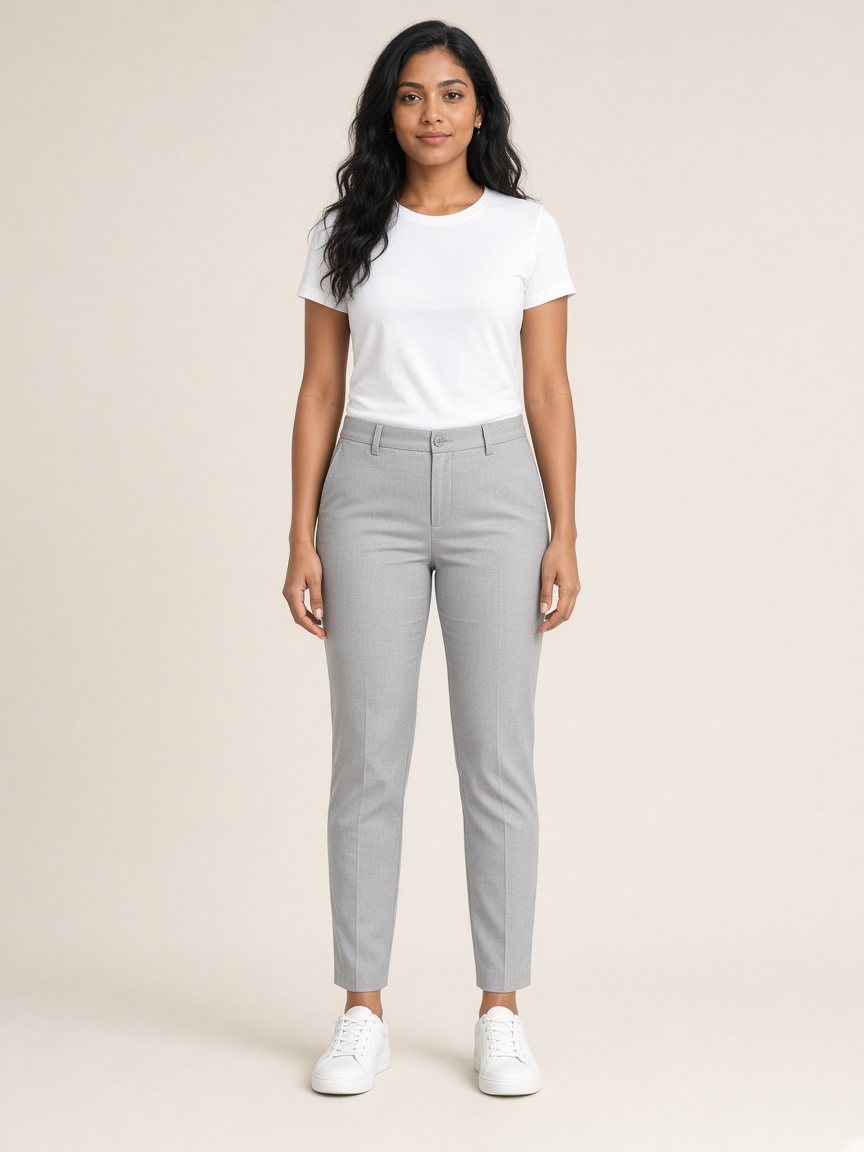
 Good example
Stand facing the camera in good lighting.
- Keep your body visible
- Avoid extreme angles
- Avoid a cluttered background
- Keep hands off clothing areas
- Full-body works best for trousers and dresses
Or try the demo with a sample photo
Try on clothes from anywhere, using just a photo.
Your photos are yours.
Good exampleOr try the demo with a sample photo
Drag to position. Pinch or use the slider to zoom.
Category
Clothing photo
Found something you love? Try it on.
Recent looks
This can take a little while.
Previews show style, not exact size or fit.
Created by the AI preview server. Your photos were deleted from the server after processing.
Drag the handle to compare.
Save a look after you try something on.
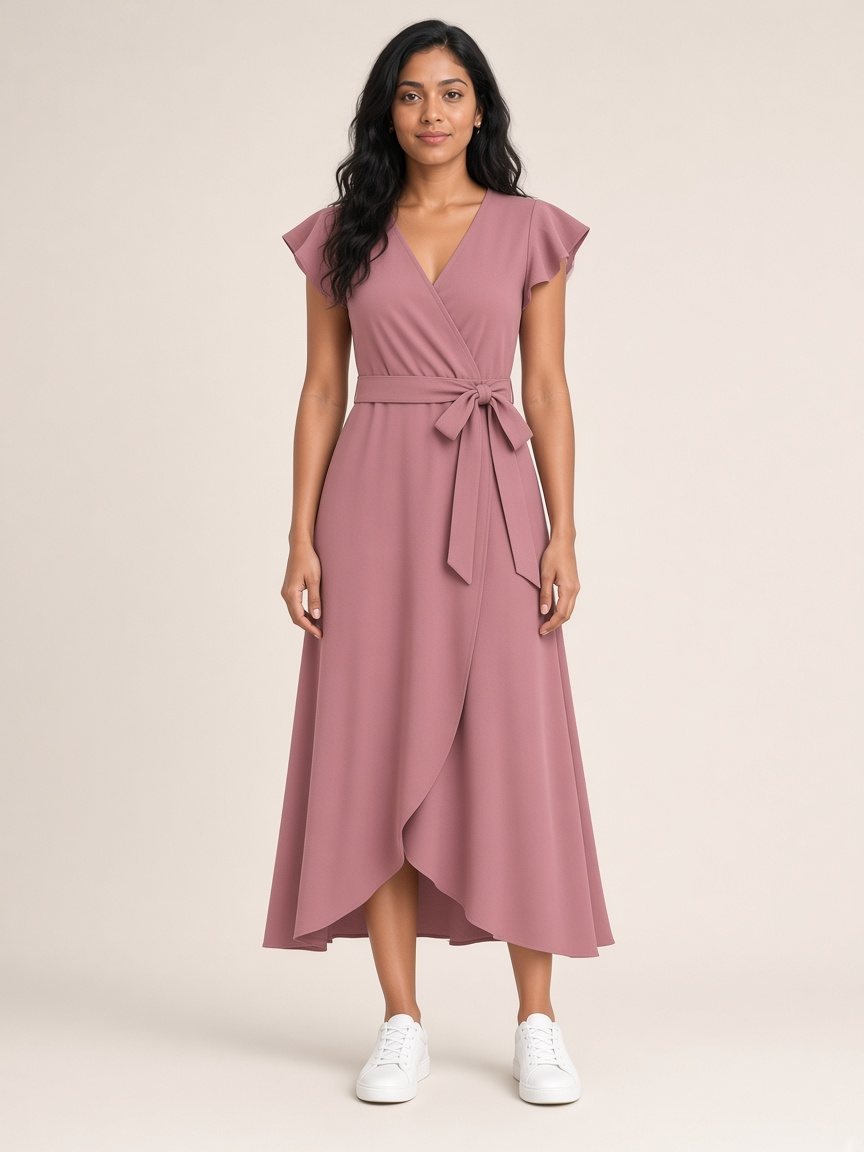
Demo sample - not a live AI result
Your photo and saved looks are stored privately on this device. There is no account and no login.
Only when you tap Try It On. Your browser sends your photo and the clothing image to the FASHN VTON v1.5 Hugging Face Space, run by FASHN AI on Hugging Face (third parties). Their terms and privacy policies apply, and we can't control or promise how long they keep the images. If that service is unavailable, the images go to our own backup preview server instead. It deletes the photos as soon as the look is made, and deletes the result when your browser downloads it (anything left over is removed within 24 hours).
We don't use your photos to train AI, build face or biometric profiles, show ads, or sell data.
Only use photos of yourself, or of someone who has agreed. Ordinary clothing only - no explicit or intimate edits.
Removes your photo, saved looks and settings from this device.
A screenshot, a product photo, or an image shared from another app.
Tip: in the app, share an image from your browser or shopping app straight to .
Sample items